Building it was the easy part
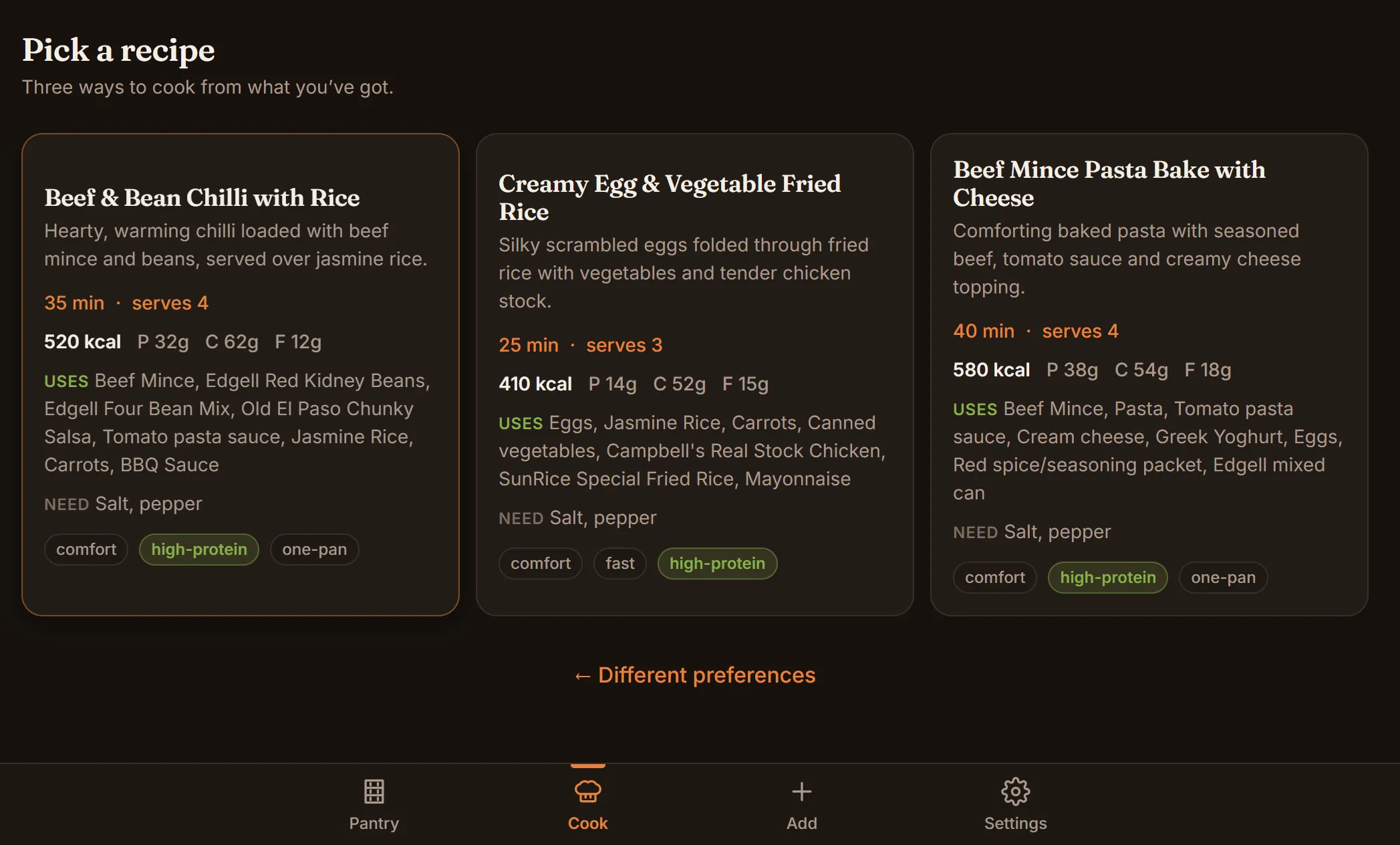
Six photos of my shelves and fridge went in. A list of 54 items came out, each with a quantity and a category, ready to check over. A couple of taps later, three dinners I could cook from what was actually there.
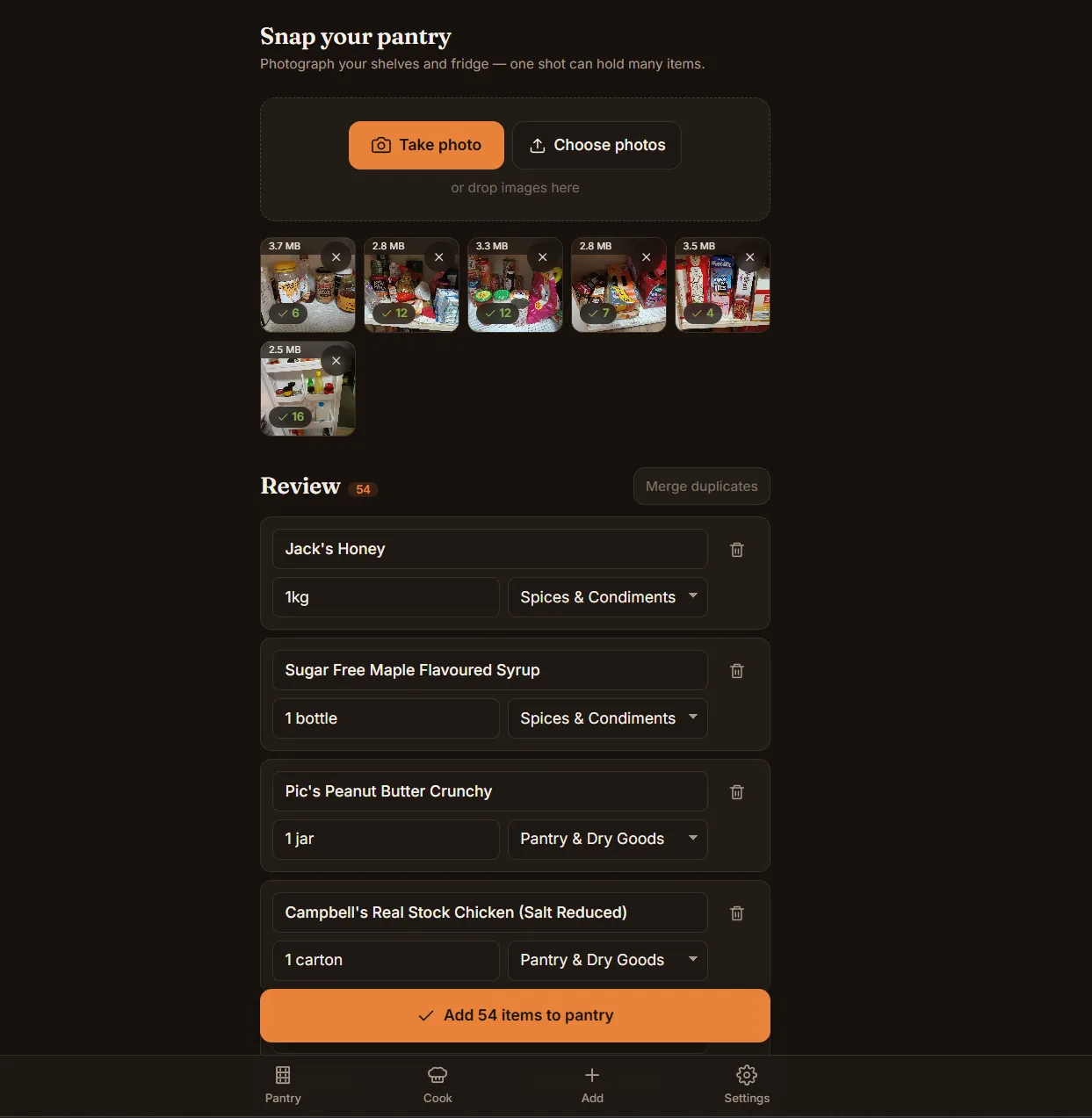
That’s VibePantry. The first working version took a day. Turning it into a real product, with sign-in and payments, took one more. Then a few days of polish.
This post is about those two days, and about what I learned after them: the build is no longer the hard part.
Day one
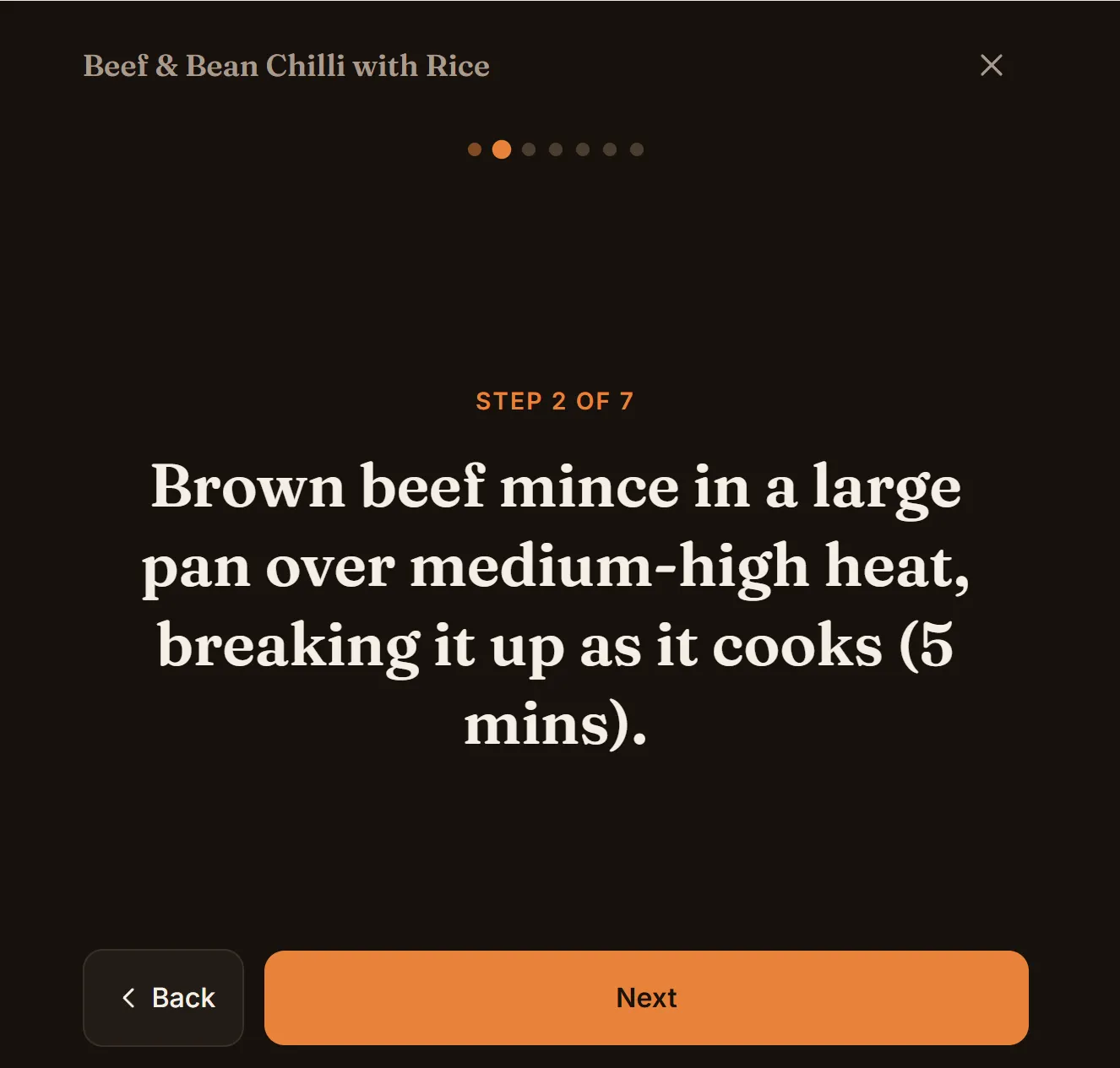
On 17 June I built the whole loop: snap your shelves, confirm the list, pick a mood, get recipes, print the one you like. It took four commits.
There was no backend. Your pantry lived in your browser. The app made two AI calls, one to read the photos and one to write the recipes, and nothing else left your phone. It was live on vibepantry.com the next day.
What a real phone teaches you
The days after launch went mostly on phones, because phones are where it gets used.
Modern phones shoot 48-megapixel photos, and decoding one at full size is enough to crash a cheap Android. So the app reads the image size from the file header, decodes straight down to the size it needs, and where the browser allows it, never holds the full picture in memory.
The better bug took a real device to find. Every so often on Android, a photo you’d just taken failed with a “low memory” error. It wasn’t memory. Android hands the browser a reference to the photo, not the photo, and it can take that reference back before the app gets round to reading it. The fix was to copy the bytes the moment the photo is taken. No desktop browser would ever have shown me that.
Nobody’s going to paste an API key
The first version was bring-your-own-key. You pasted your own Anthropic key into Settings and paid Anthropic directly, a few cents a call at most. With no server, there was nothing to run and nothing to leak.
For me, that was perfect. For anyone else, it meant: make an account with an AI company, find the keys page, copy a long string, and trust a stranger’s app with it. I even built a magic link that pre-loaded a key, so family could skip the copy and paste. It helped family. It did nothing for strangers.
I posted it to Show HN. It didn’t get a single comment. Reddit, the same. And because there was no backend, I had no way to tell whether anyone had even opened it. I suspect not.
Day two
On 3 July it became a real product:
- Sign in with Google. No password, no form.
- The AI key stays on the server. Every call goes through a small metered API that checks your credit, makes the call, and charges you what it actually cost.
- 20 cents of free credit per account, no card.
- $2 a month after that, through Stripe.
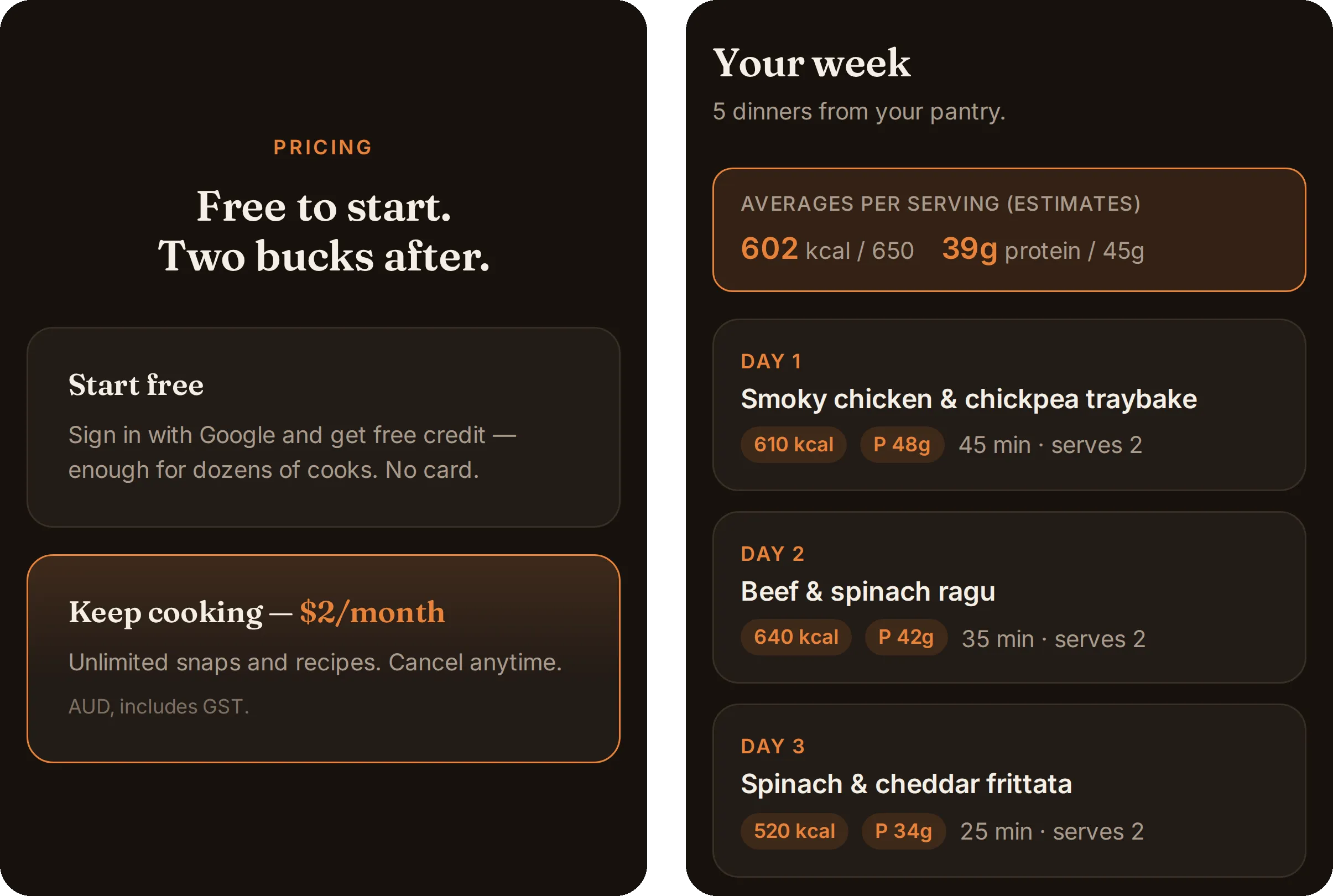
The paid version: pricing on the landing page, and the Sunday Plan, its first paid-only feature (more on that below). The plan here runs on sample data.
Sign-in broke twice before it worked, both times in the same way. First, the app’s offline cache caught the redirect back from Google and served the cached app instead. Then the hosting layer’s “send unknown pages to the app” rule did the same thing one level down. Each fix was a line. Neither showed up until a real sign-in.
The numbers are tiny now
Once it was live, I ran the real recipe prompt through five models. All of them returned valid recipes. Gemini 2.5 Flash-Lite matched Claude Haiku on the food at about a seventeenth of the cost, and twice the speed.
- A cook dropped from about 1.2 cents to about 0.3.
- The free 20 cents now covers roughly 60 cooks.
- $2 a month, after GST and Stripe’s cut, nets about $1.52.
- “Unlimited” has a quiet ceiling of about $1.50 of AI a month. A real cook won’t get near it. A script hammering the API will hit a wall.
- The server’s AI key has a hard $30 monthly cap, so a bug can’t run up a bill.
Polish
The next day was small fixes, the kind that only turn up once someone else uses it.
Someone I showed it to pointed out that the Cook screen opened with three identical orange blocks: two selected options and the button that actually does something. Now selected options are tinted, and solid orange means one thing: the button to press. Long recipes spilled onto a second A4 page, so the print layout claws back space instead of shrinking the text. You can share a recipe as an image. And there’s a first paid-only feature: a Sunday Plan that writes three, five or seven dinners at once, with one merged shopping list.
Building it was the easy part
Two days, vibe-coded with Claude Code, for an app that works on real phones, with sign-in, metering and payments. That part got easy.
Which is exactly why a pantry app isn’t news any more. Anyone can build one in a couple of days now, and a lot of people have. Show HN didn’t blink. The hard part is the same as it’s always been: getting anyone to look.
VibePantry was never meant to make money. It was a way to build the whole shape of a product (sign-in, metering, payments, a landing page) and see what each piece costs. The answer: a couple of days, and pennies to run. Whether a stranger ever pays $2 for it is a separate experiment, and I’m not holding my breath.
It’s at vibepantry.com, free to start. The original bring-your-own-key version is public on GitHub.